Oura's Official Recommendation
According to Oura's sizing guide, the index finger (pointer finger) on either hand is the recommended wearing position. The reasons:
- Larger circumference means the sensors sit flatter against the skin
- Less movement artifact than smaller fingers
- The sensor array on the inside of the ring makes better contact
- Easier to see the charging indicator LED
However, "recommended" doesn't mean "only option that works." Oura is validated to work accurately on the index, middle, and ring fingers. The pinky and thumb are not recommended.
Finger-by-Finger Breakdown
| Finger | Accuracy | Comfort | Notes |
|---|---|---|---|
| Index (pointer) | ⭐⭐⭐⭐⭐ | ⭐⭐⭐⭐ | Oura official recommendation. Best sensor contact. |
| Middle | ⭐⭐⭐⭐⭐ | ⭐⭐⭐⭐⭐ | Most popular alternative. Excellent accuracy, most comfortable for many. |
| Ring | ⭐⭐⭐⭐ | ⭐⭐⭐⭐ | Good option. Caveat: conflicts with jewelry rings on that finger. |
| Pinky | ⭐⭐ | ⭐⭐ | Not recommended. Poor blood flow and movement artifacts. |
| Thumb | ⭐ | ⭐ | Not supported. Ring won't fit properly. |
Does It Matter Which Hand?
No — left hand or right hand, accuracy is identical. The sensors measure blood flow in the finger regardless of which side of your body the ring is on.
Practical considerations for hand choice:
- Non-dominant hand: Less impact during workouts and typing. Slightly less movement artifact during the day.
- Dominant hand: The ring is more visible to you, which some users prefer. No measurable accuracy difference.
- Left hand: Avoids interference with watches worn on the left wrist (a common reason people choose right hand).
Why the Middle Finger Is the Most Popular Choice
Despite Oura's index finger recommendation, the middle finger is the most common choice among long-term Oura users, for these reasons:
- Fewer accidental bumps — the index finger touches things constantly (keyboards, phones, surfaces)
- The ring is less likely to rotate, keeping sensors in correct position
- More comfortable during typing and daily tasks
- The middle finger typically has a stable circumference throughout the day
Oura's own accuracy studies confirm the middle finger performs equally well for HRV, heart rate, and sleep tracking as the index finger.
Common Issues and Fixes by Finger Position
- Green LED visible through your finger when charging
- Ring sits snug but not tight — slight gap is OK
- Heart rate readings consistent with other devices
- Readiness scores align with how you feel
- Ring spins freely → size too large, try adjacent finger
- Readiness scores seem random → reposition sensors to palm side
- Missing data gaps → ring sliding during sleep, size down
- Skin irritation → try non-dominant hand, different material finish
Sensor Position: The Most Important Thing
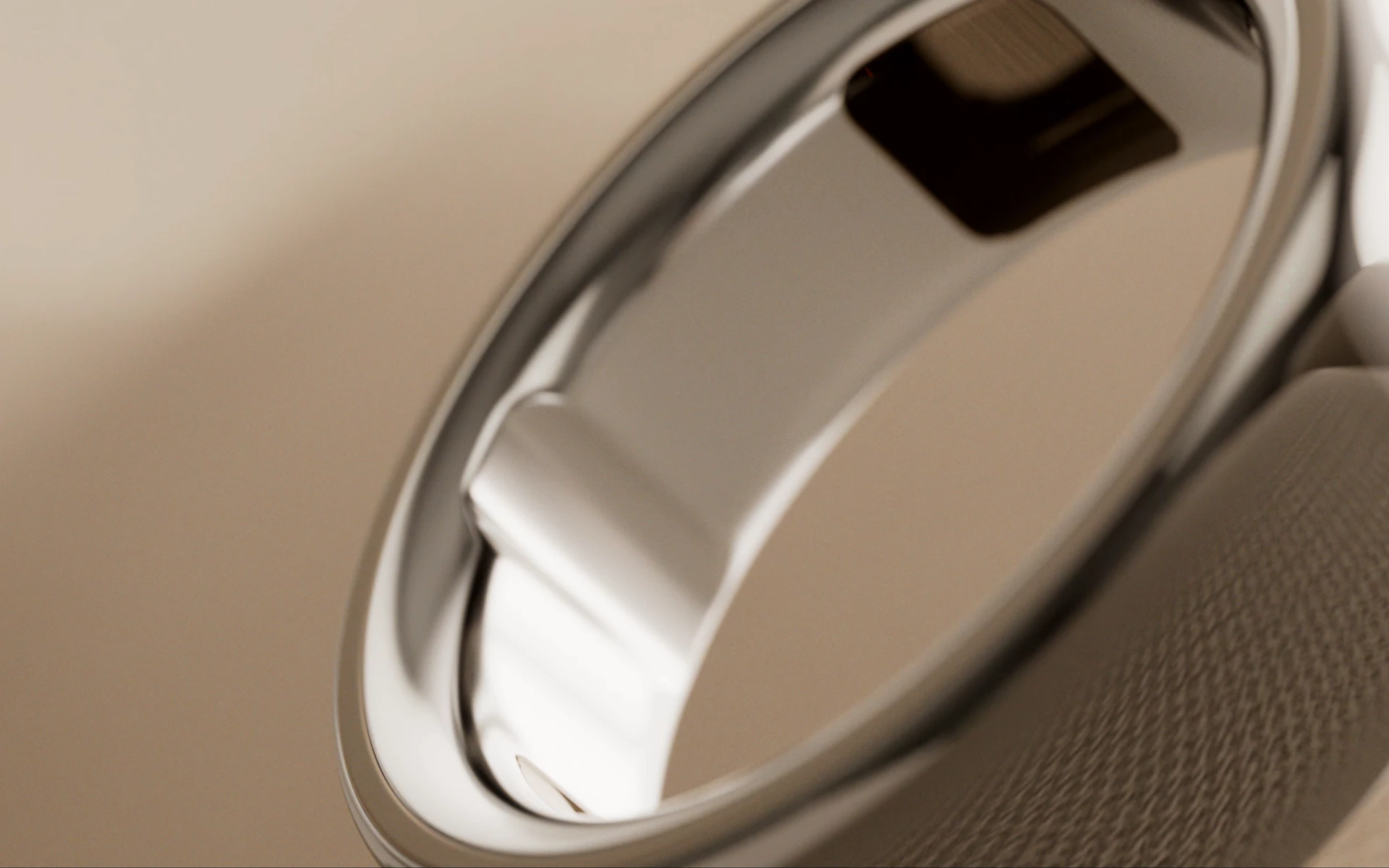
More important than which finger you choose is sensor alignment. The three green LEDs on the inside of the Oura Ring must face the palm side of your finger (the fleshy part, not the knuckle side). This is where the capillaries are closest to the surface.
How to check: put the ring on with the LED cluster facing toward your palm. You should see a faint green glow through your fingertip. If you can feel the sensor bumps pressing into your palm side, it's positioned correctly.
If the ring rotates so the sensors face the back of your finger (the knuckle side), data quality drops significantly. A ring that fits snugly enough not to rotate is the solution — not necessarily switching fingers.
Sizing Tips by Finger
Oura Ring sizes run from 6 to 13 (US ring sizes). Fingers fluctuate in size throughout the day: typically 0.5–1 size larger at night due to fluid retention and temperature changes.
- Size your ring in the evening when fingers are at their largest
- Use Oura's free sizing kit (order from ouraring.com) — it includes test rings in all sizes
- The ring should slide on and off with slight resistance — not loose, not tight
- If between sizes, size up to avoid cutting off circulation
Frequently Asked Questions
Can I switch fingers after I've been using Oura for a while?
Yes. You can change fingers at any time in the Oura app settings (Profile → Ring settings → Finger selection). The algorithm will recalibrate over 1–2 weeks to your baseline on the new finger. You won't lose historical data.
Does it matter if I wear the Oura Ring on my left or right hand?
No. Oura Ring works equally accurately on left or right hand. The most common choice is the non-dominant hand to reduce accidental impacts, but this is personal preference only.
Can I wear the Oura Ring on my ring finger if I already wear a wedding ring?
You can, but not on the same finger at the same time. Two rings on one finger will compress the sensors and degrade data quality. Most users who wear a wedding ring choose to put the Oura Ring on a different finger (index or middle) or a different hand.
What if my Oura Ring keeps rotating during sleep?
A rotating ring usually means the size is too large. Order Oura's free sizing kit and try the next size down. If the ring is the correct size but still rotates, try the middle or ring finger — these tend to have more stable circumferences than the index finger, which can swell or shrink more with temperature changes.
Is there an accuracy difference between fingers for sleep tracking?
Minimal difference between index, middle, and ring fingers when the ring fits correctly and sensors are properly positioned. The biggest accuracy factor is not which finger, but whether the ring fits snugly enough to stay aligned on the palm side throughout the night.